SidekickJoin the waitlist
Not a roadmap. Not a vision deck. 65 live features — each one verified in production code, grouped by what they do for you.
Use the Connection Manager to OAuth into Gmail, Slack, GitHub, Linear, Notion, Google Calendar, Outlook, Telegram, WhatsApp, or Discord. Sidekick registers each adapter and monitors its health continuously.
Set your autonomy level, quiet hours, and priority rules. Install skills from the ClawHub marketplace or build a custom one with the guided editor. Natural language instructions; no YAML required.
Every cycle: gather UnifiedEvents across connected tools, load your context, invoke Claude for decisions, execute UnifiedActions. You see streaming responses and tool calls as they happen — nothing is hidden.
Action cards appear in-chat with full context. Approve with one click, edit the draft inline, or reject and explain. The agent learns from each decision and refines its behaviour over time.
Join the waitlist and be among the first to put a cloud AI agent to work across your tools. Questions? Email us at sf-core-org-support-sidekick@saas-factory.ai
Three memory tiers, a configurable execution loop, and full transparency into every decision — Sidekick behaves like a colleague who never forgets context.
Working memory holds recent events in Redis. Episodic memory stores daily summaries in Postgres. Semantic memory uses pgvector so the agent recalls long-term patterns — not just your last five messages.
Working memory Instant context from your most recent interactions
Episodic memory Daily summaries stored and searchable
Semantic memory Vector similarity recall for long-term patterns
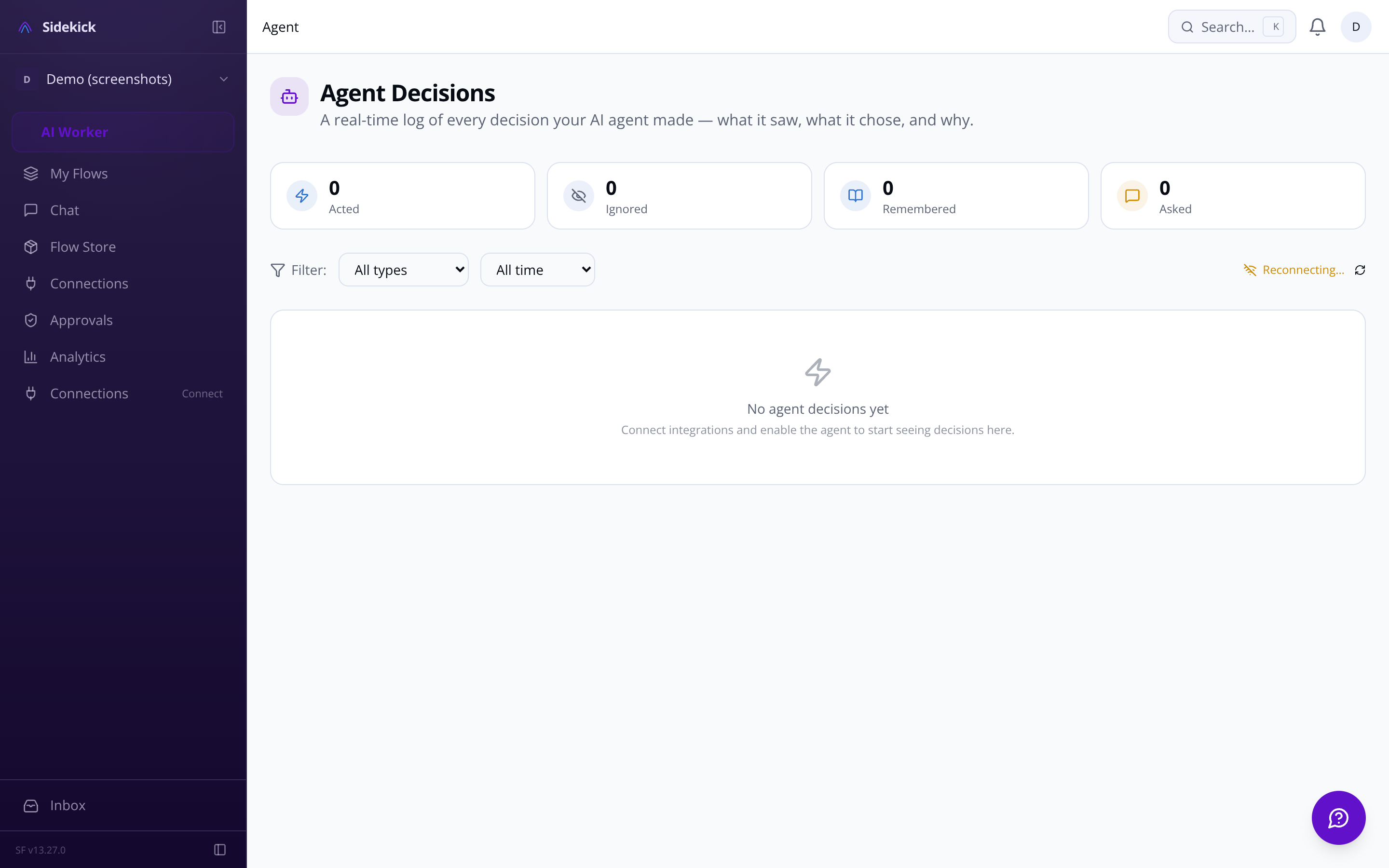
Choose how much the agent does on its own — from 'confirm everything' to 'just get it done'. An emergency kill switch is always one tap away.
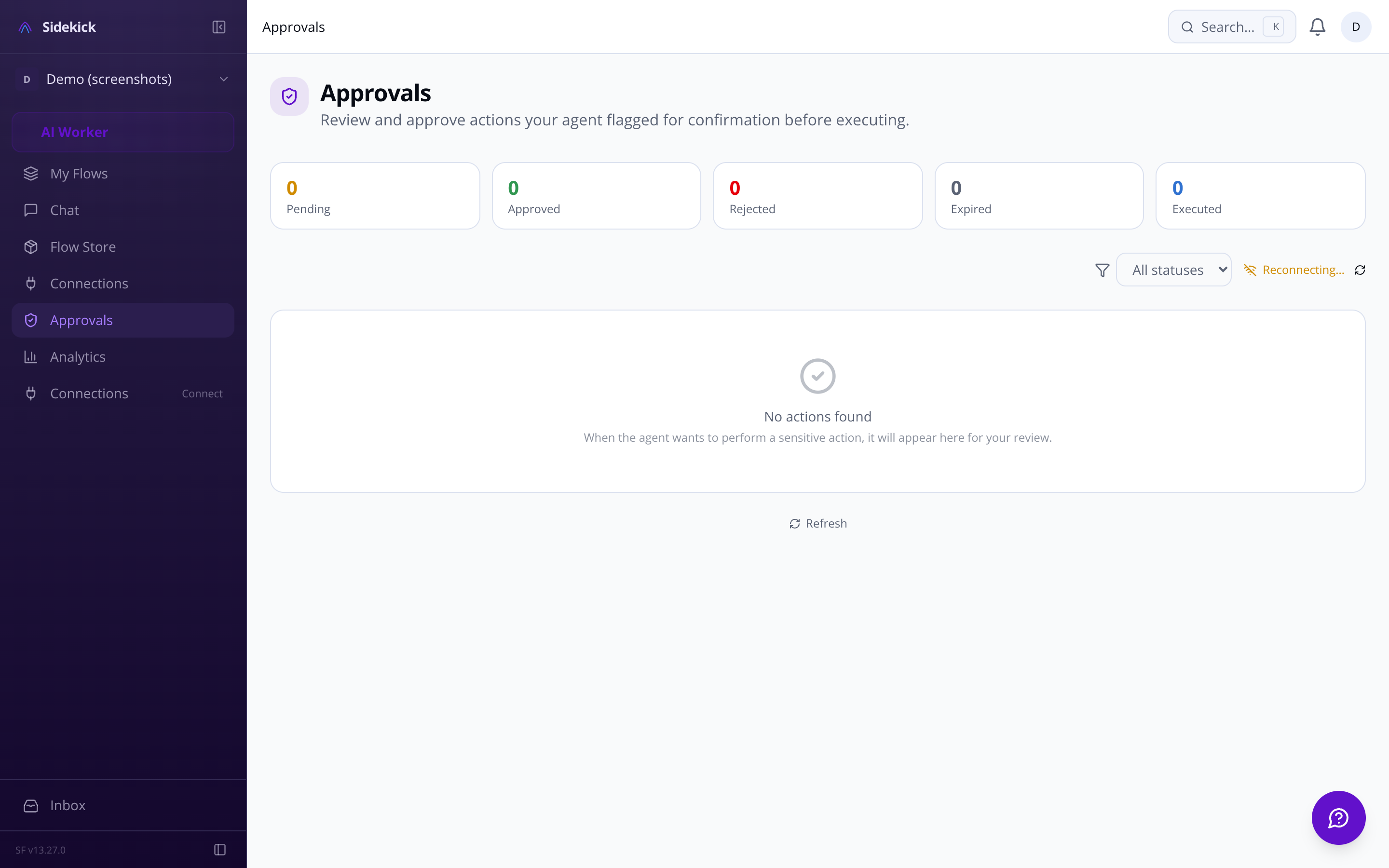
Each integration normalizes to the same UnifiedEvent and UnifiedAction types. Sidekick handles webhooks, polling, OAuth refresh, and health monitoring — you just use the tool.
Real-time push notifications, label management, thread awareness, and smart reply drafting. Reads, drafts, and sends with full attachment support.
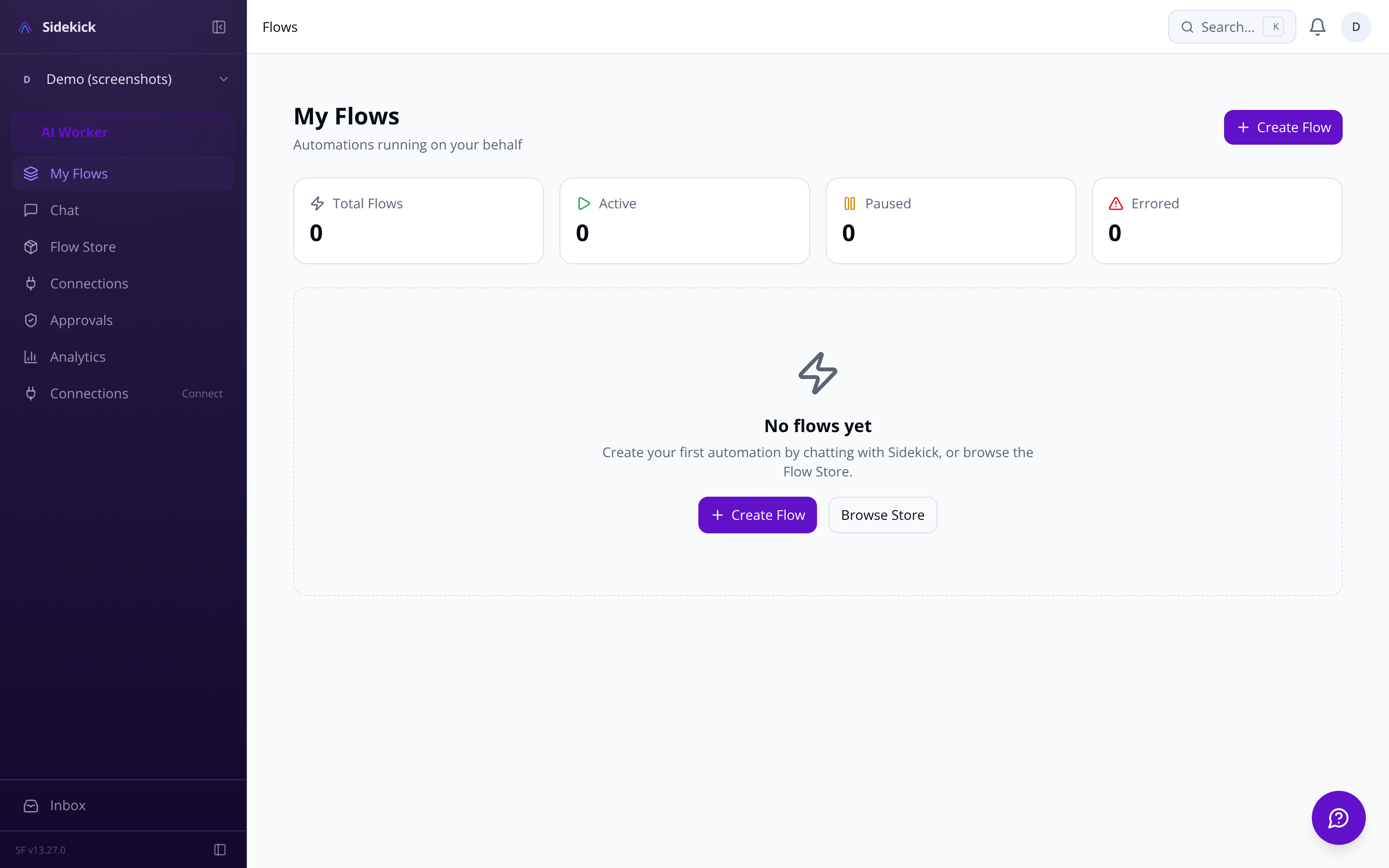
Browse the ClawHub marketplace by category, install with one click, and manage environment variables — all without touching a config file. If you need something custom, the guided skill builder lets you write natural-language instructions, map integrations, and test in a sandbox.
Semantic search matches your intent to skill capabilities — 'help me schedule meetings' finds Calendar & Scheduling skills without exact keywords. The installer automatically maps a skill's environment variable requirements to your OAuth connections.
ClawHub import Paste a skill URL or slug — SKILL.md parsed, requirements validated, compatibility confirmed before install
Requirement mapping Instead of pasting API keys, click 'Connect Outlook' when a skill needs MICROSOFT_CLIENT_ID
The activity feed at /dashboard/activity shows every action: messages sent, emails drafted, issues created, and decisions made — with the trigger event and reasoning chain attached to each entry. Filter by integration or action type.
The analytics dashboard shows actions per day, response times, most-active integrations, memory utilization, and skill usage breakdown — so you can tune the agent's configuration against real evidence.
Real-time usage tracking Daily action count vs. plan limit shown in the dashboard header
Rate limits per integration
AES-256-GCM encryption at rest, automatic key rotation, GDPR data export and deletion, and a confirmation gate that cannot be bypassed for destructive actions.
Every OAuth token and API key encrypted at rest. Automatic key rotation with zero-downtime re-encryption. Manual rotation available with audit trail.
Deleting data, sending to new contacts, financial transactions, and revoking access always require explicit approval — regardless of autonomy level. This gate cannot be configured away.
The guided onboarding flow at /onboarding walks you through connecting your first integration, installing your first skill, and watching the agent take its first real action — before you've touched a settings page.
Start simple. Connect one tool, install one skill, see one result. As you gain confidence, unlock custom rules, multi-integration workflows, and autonomy overrides. Complexity is earned, not imposed.
Connection Manager Central hub for all integrations — health status, last sync time, permission scopes, one-click OAuth
Mobile-responsive dashboard Activity feed, kill switch, and connection status accessible on any device with touch-optimized targets
'Find flights to London' → 'Actually make it Manchester' — the agent tracks exactly what you meant. Previous sessions are searchable and resumable.
Every choice the agent makes is logged with full reasoning. A real-time feed shows what triggered each action and why — full auditability, no black box.
Gathers events since last run, loads your context, invokes Claude, executes actions. Runs on a per-user cron schedule via Inngest — never idle, never runaway.
Ask-first Every action appears in the approval queue before it executes. You see what the agent wants to do and why.
Act-then-report The agent handles routine tasks and surfaces a summary. Intervene only when you want to.
Fully autonomous Silent execution on trusted integrations. Destructive actions always surface for review — no exceptions.
Deleting data, sending to new contacts, and financial transactions are always confirmed — even in fully-autonomous mode. The confirmation gate cannot be bypassed.
Emergency kill switch One tap halts all activity: loop stopped, pending actions cancelled, integrations disconnected
Quiet hours Define time windows when the agent holds outbound actions — timezone-aware
Priority rules engine Custom rules shape how the agent triages every event across all connected tools
Read events, create meetings, handle RSVPs. Agent flags scheduling conflicts and suggests optimizations before you're double-booked.
Reads channels and DMs, responds in threads, handles reactions and slash commands via the Slack Events API. Supports file uploads.
Monitors repos, triages issues, reviews PR status, and tracks CI. Supports multiple organizations and sends notifications for failed builds.
Creates issues from conversations, updates statuses, and delivers sprint summaries on demand. Closes the loop between chat and project tracking.
Reads pages, updates databases, and creates content in your workspace. Auto-organizes notes and cross-references information across pages.
Email, calendar, and OneDrive via Microsoft Graph. Real-time change notifications. Maps ClawHub MICROSOFT_* env keys automatically.
Send and receive messages on behalf of the user across both platforms. Supports text, media, interactive messages, and group mentions.
Monitors channels, responds to mentions, handles slash commands and thread replies. Converts Discord gateway events into UnifiedEvents.
All integrations are managed through a central adapter registry with automatic health monitoring, webhook deduplication, and zero-downtime credential rotation.
Streaming responses Responses and tool calls stream in real-time — watch the agent check your calendar as it happens
Inline action cards Approve, edit, or reject proposed actions without leaving the conversation
Proactive alerts The agent surfaces unanswered emails, deadline conflicts, and failed CI builds as agent-initiated messages
Voice input Press-and-hold to record — especially useful on mobile or forwarding voice notes from Telegram
Encrypted env vars All keys stored with AES-256-GCM encryption; view, rotate, and audit from one panel
OpenClaw compatible Export your existing OpenClaw skills, import to Sidekick, connect your accounts — full migration guide included
Write natural-language instructions. Specify which integrations the skill needs. Test in a sandbox before enabling. Export as SKILL.md and share on ClawHub.
The skill library at /dashboard/skills shows usage stats, update availability, and lets you enable or disable individual skills without touching any other settings.
Sandbox testing Run your skill in isolation before enabling it against live integrations
SKILL.md export Share finished skills with the ClawHub community in the standard format
Skills are grouped by category with search and filter in the library view at /dashboard/skills.
Spending caps Agent alerts you when approaching thresholds — never a surprise overage
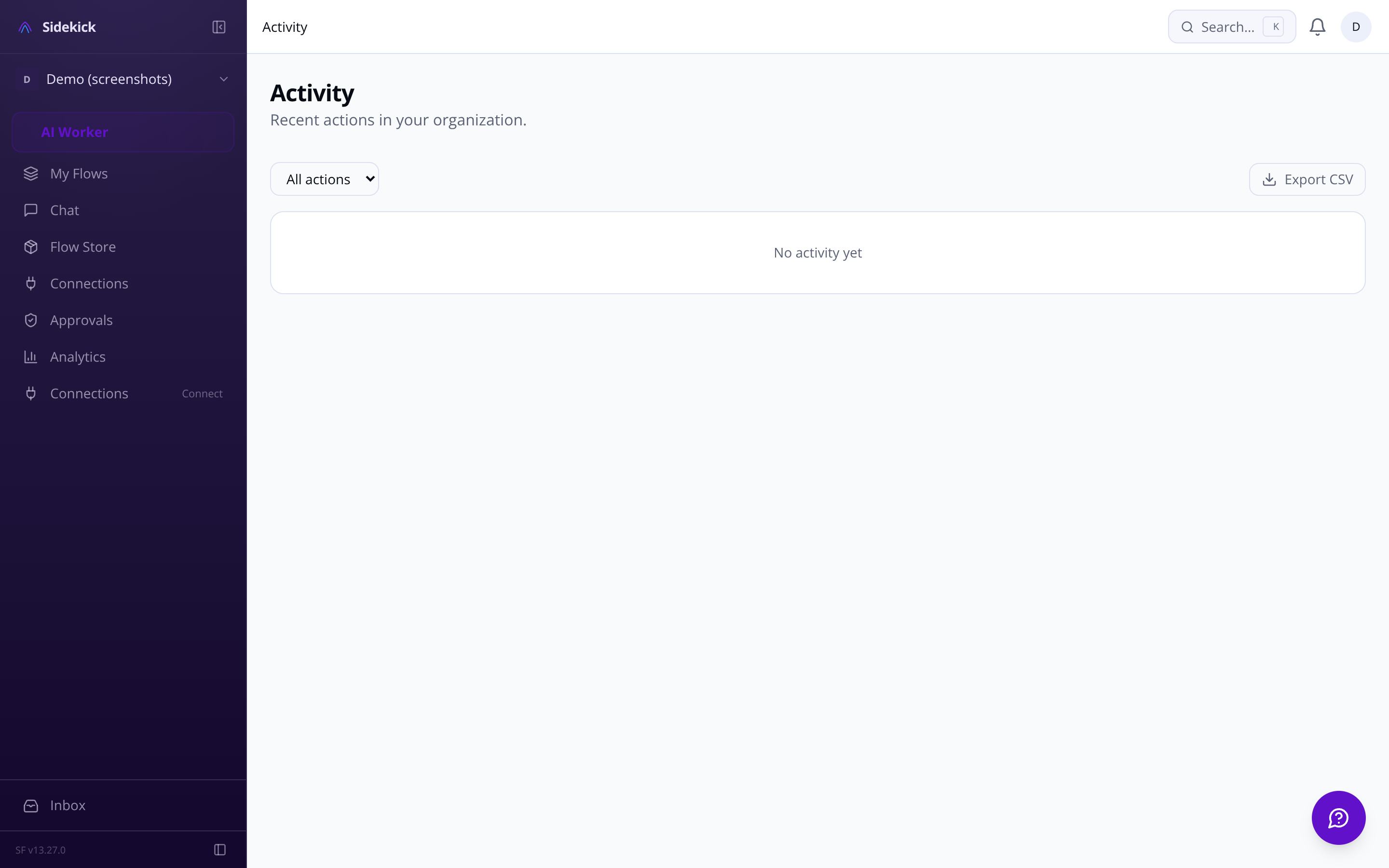
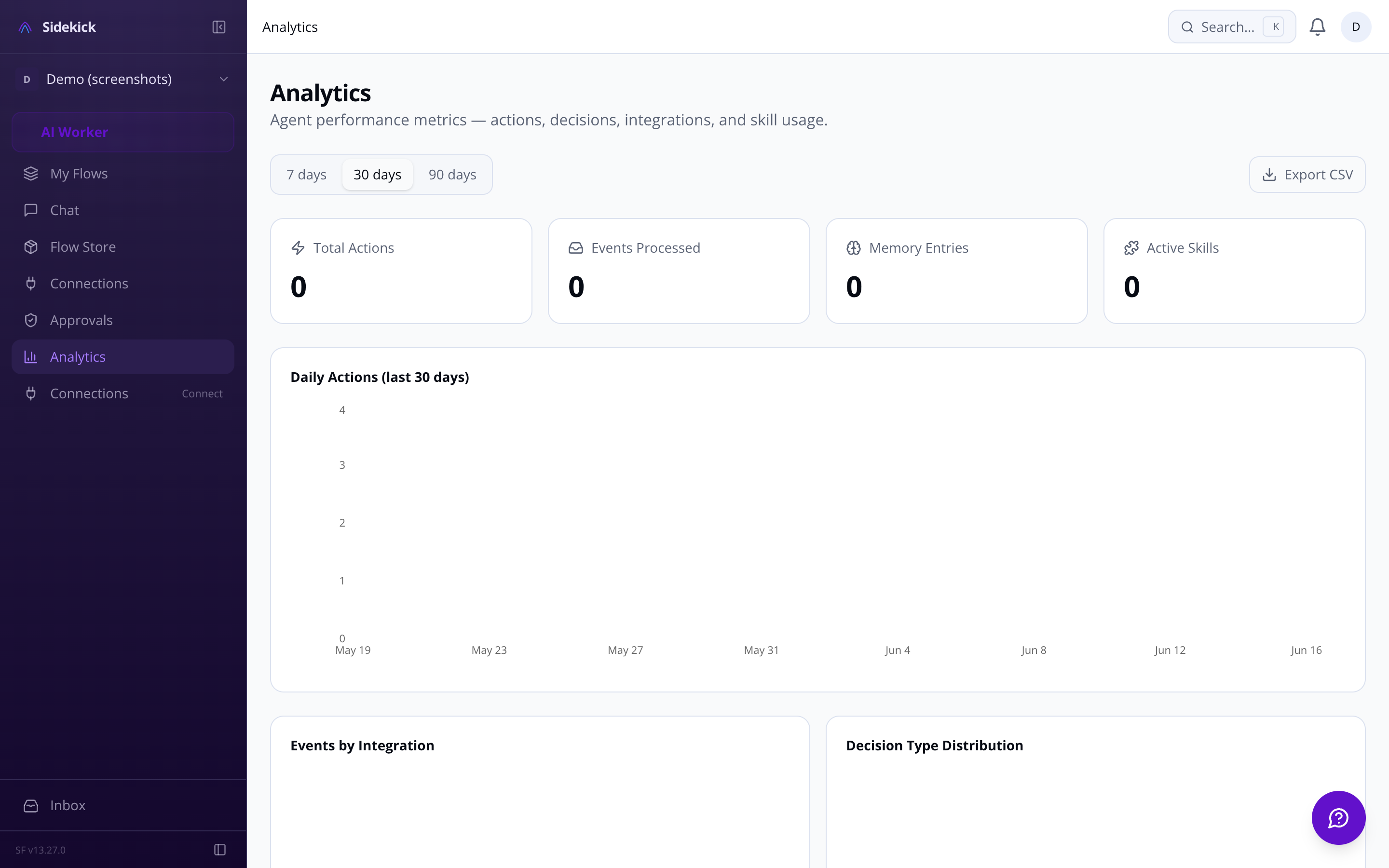
All observability data is available at /dashboard/activity and /dashboard/analytics.
Export all your data in machine-readable format on demand. Request complete account deletion. Configurable retention policies auto-purge old agent decisions and memory.
Pick your primary communication channel — browser, Telegram, Slack, WhatsApp, or email. Start in the browser, continue on Telegram. All routing is user-controlled.
Agent settings panel Autonomy level, quiet hours, priority rules, memory preferences — all in one organized page with inline help
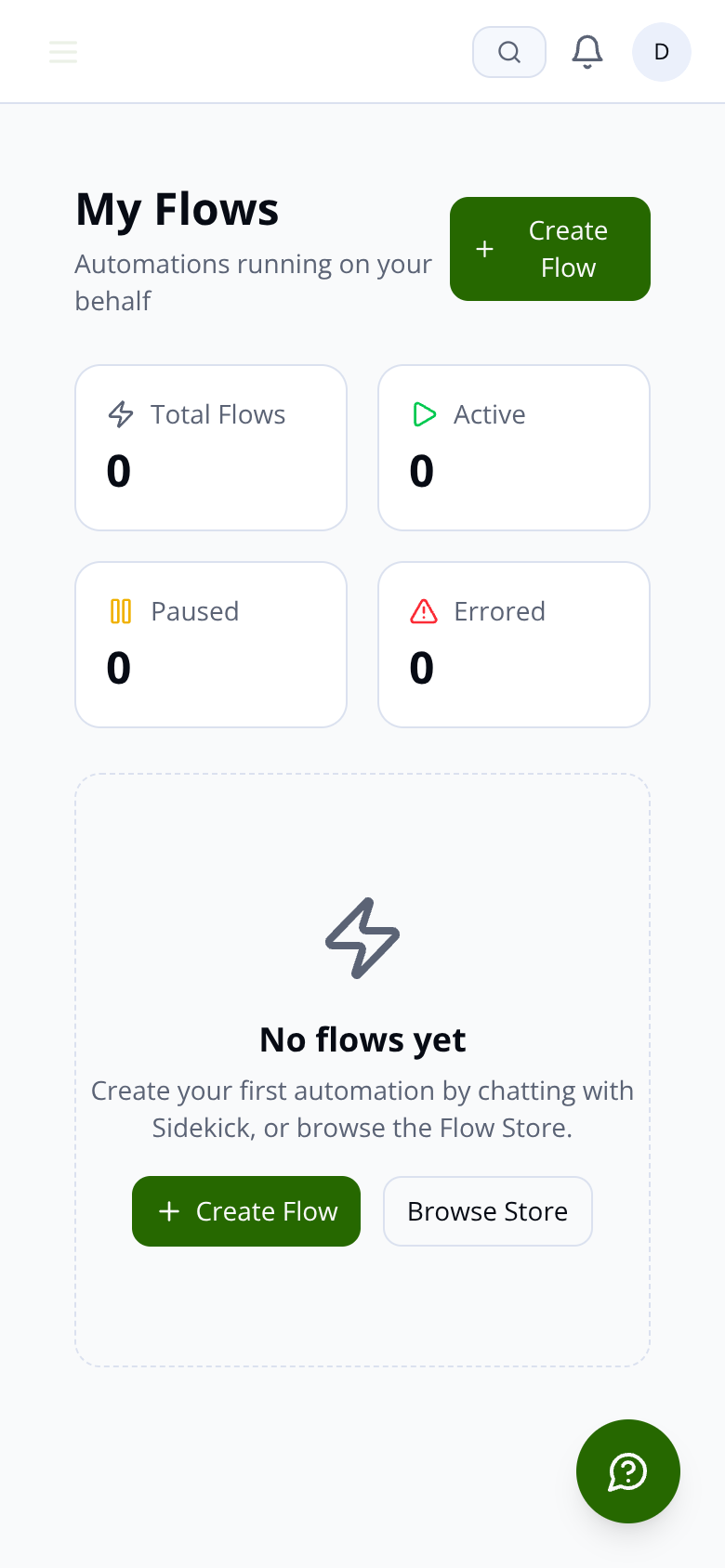
The full dashboard and onboarding experience is available at /dashboard and /onboarding.
