SidekickJoin the waitlist
[ HOW IT WORKS / SIDEKICK ]
Sidekick is not a chatbot you ping when you remember to. It's a background agent that watches your tools, builds a model of what matters to you, and takes action — on a schedule, in response to events, or the moment you ask.
Open the Connection Manager and authenticate each service with a single OAuth flow. Sidekick supports Gmail, Outlook, GitHub, Linear, Slack, Notion, Discord, Telegram, WhatsApp, and Google Calendar. Each adapter registers its own webhook path — you flip the switch once, real-time events start flowing immediately.
Set your autonomy level — ask-first, act-then-report, or fully autonomous — per integration. Define quiet hours so the agent respects your focus time. Set priority rules: 'always surface emails from my CEO within five minutes', 'ignore Dependabot noise'. The agent learns your preferences from every interaction.
Every scheduled cycle, Sidekick gathers events from every connected service, loads your context from a three-tier memory system (working, episodic, semantic), and calls the AI to decide what to do. Actions that need your sign-off appear in the Approvals queue. Everything else executes and lands in the Activity feed with a full reasoning trace.
The in-browser chat interface is a live window into your agent. Ask 'What happened while I was away?' and it recaps the cycle. Say 'Draft a reply to Sarah's last email' and it resolves Sarah, retrieves the thread, and writes the draft. Responses stream in real-time — you see every tool call as it happens. Approve inline action cards without leaving the conversation.
[ ANALYTICS / WHAT YOUR AGENT DID ]
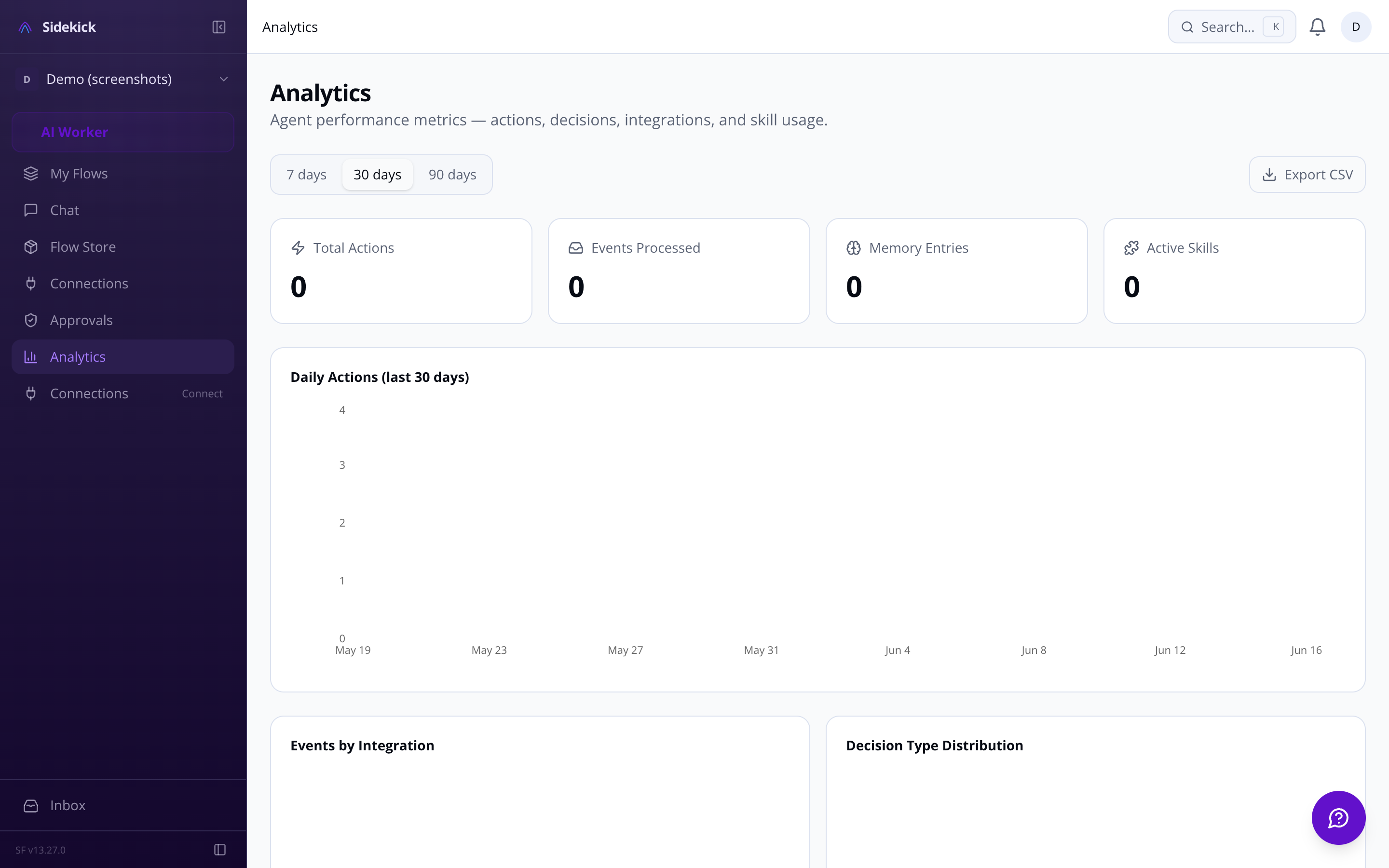
The Analytics dashboard tracks actions per day, active integrations, skill usage, memory utilization, and response times. Understand where your agent is spending its cycles — and tune accordingly.
[ JOIN / EARLY ACCESS ]
Connect your first integration in under two minutes. The agent runs its first cycle automatically — no configuration required to get started.
Questions? Email us at sf-core-org-support-sidekick@saas-factory.ai
[ AGENT ACTIVITY / LIVE VIEW ]
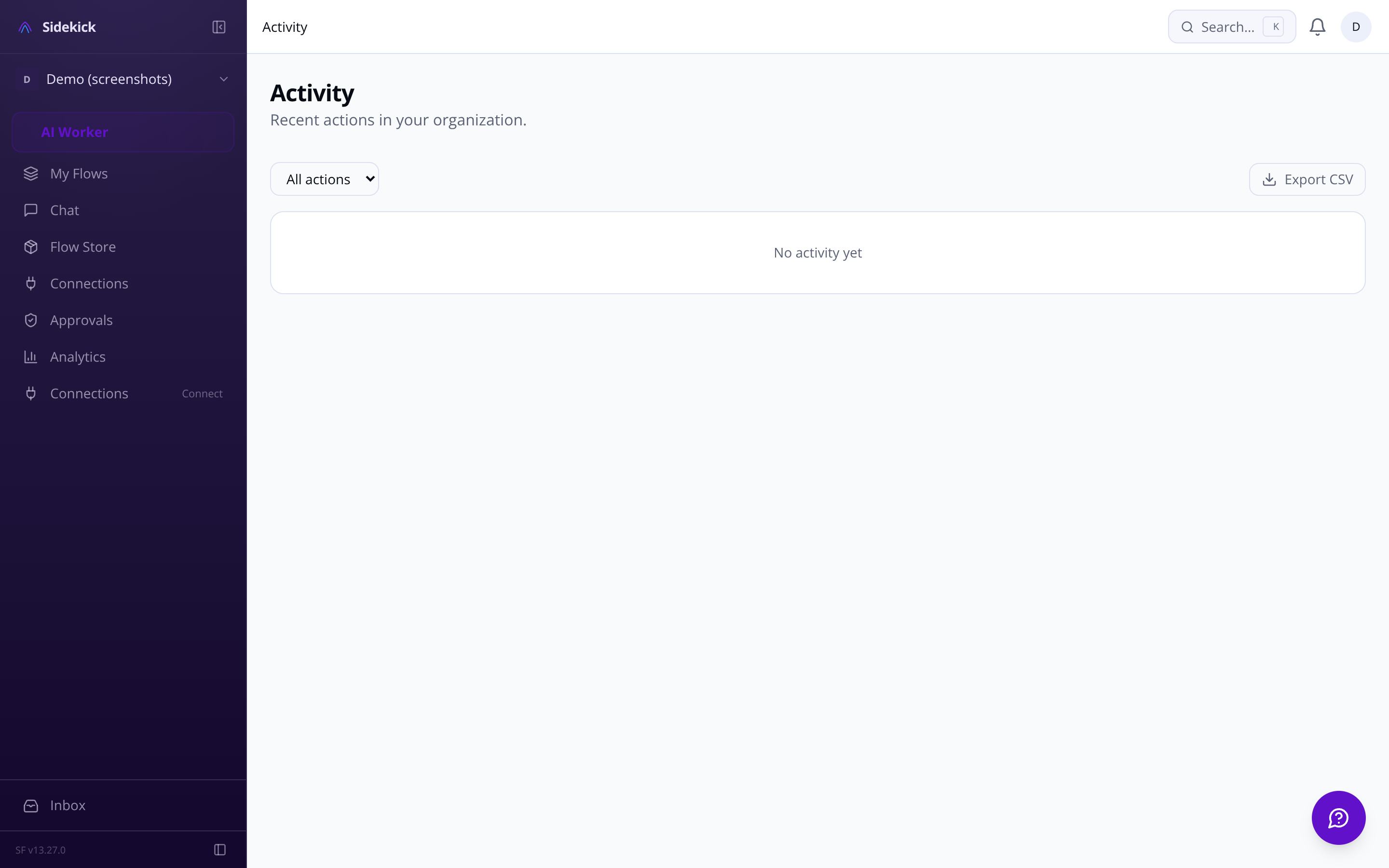
The Activity feed shows what the agent did, the reasoning chain behind it, and what triggered each action. Nothing happens in a black box. The Decision Transparency Log gives you a full audit trail — filterable by integration, time, or outcome.
Real-time activity feed See every email drafted, issue created, and message sent — with the trigger event and reasoning shown inline.
Full reasoning chains Not just 'agent sent email' — but why, from which event, and what alternatives it considered.
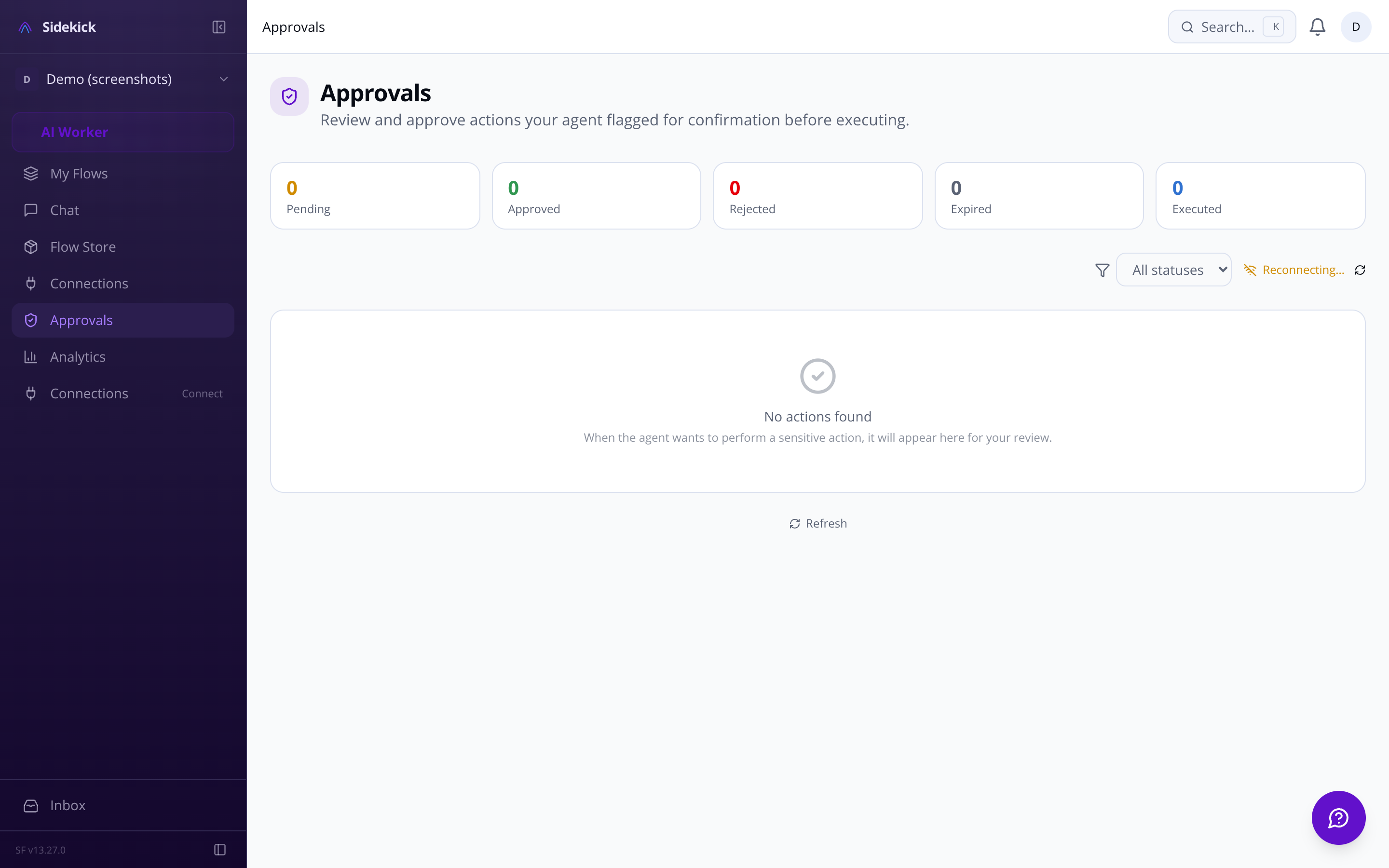
Approval queue for high-stakes actions
[ APPROVALS / ASK-FIRST MODE ]
In ask-first mode, every action the agent wants to take appears as an approval card — in chat or in the Approvals queue. You see exactly what it will do, and why, before a single byte leaves your account.
[ AGENT MEMORY / THREE-TIER SYSTEM ]
Most AI tools have the memory of a goldfish. Sidekick runs a three-tier memory system — recent context in fast working memory, daily summaries in persistent episodic memory, and long-term patterns recalled via semantic vector search. 'Make it Manchester instead' works six weeks later.
Recent events from the current session held in fast-access cache. The agent always knows what just happened — no context drift mid-task.
Daily consolidated summaries stored persistently. Pick up any conversation where you left off, days or weeks later.
[ SKILLS / EXTEND THE AGENT ]
Browse 13,729+ community skills in the marketplace, or build your own with the guided skill editor. Each skill is a natural-language instruction set — what to do, which integrations to use, and when to run. Install one and the agent picks it up in the next cycle.
Semantic search matches your intent to 13,729+ community skills — 'help me manage my inbox' finds the right skills without exact keyword matches.
[ FAQ / COMMON QUESTIONS ]
Emergency kill switch One tap halts everything — stops the loop, cancels pending actions, disconnects integrations. You're always in control.
Set GitHub to act-then-report (CI summaries, triage) while keeping Gmail in ask-first mode (nothing sent without your tap). Certain actions — deleting data, messaging strangers, financial transactions — always require confirmation, regardless of your autonomy setting.
Approve, reject, or edit any pending action before it runs
Inline action cards in chat — no context switch needed
Destructive actions always gated, even in full-auto mode
Per-integration autonomy overrides for fine-grained control
Long-term preferences and patterns recalled via vector similarity. The agent learns your working style, not just your commands.
Write natural-language instructions in the guided editor, specify which integrations the skill needs, and test in a sandbox before it goes live.
All OAuth tokens and API keys required by skills are stored with AES-256-GCM encryption. Update them centrally — every skill picks up the change.
