Sidekick
BlogFAQFeaturesHow it worksIntegrationsPricingSecurityUse cases
Join the waitlist
SidekickJoin the waitlist
Sidekick
HomeBlogFAQFeaturesHow it worksIntegrationsPricingSecurityUse cases
Join the waitlist
Sidekick
BlogFAQFeaturesHow it worksIntegrationsPricingSecurityUse cases
TermsPrivacyData Processing

© 2026 Sidekick

SECURITY & PRIVACY

Your data stays yours.

Sidekick holds access to your email, calendar, and repos. That's a serious responsibility. Here's exactly what we do — and don't do — with it.

Every credential encrypted at rest. Every agent decision logged. Every action requiring confirmation before it's irreversible. Security isn't a feature here — it's the foundation.

[CREDENTIAL VAULT / ENCRYPTED]

Credentials encrypted the moment you connect

Every OAuth token and API key you hand to Sidekick is encrypted with AES-256-GCM before it reaches the database. The plaintext never persists. Automatic key rotation re-encrypts stored credentials with zero downtime, and you can trigger a manual rotation at any time from your settings page.

  • AES-256-GCM encryption at rest Every token and API key — never stored as plaintext

  • Automatic key rotation Re-encryption runs without dropping active connections

  • Manual rotation on demand Trigger re-encryption from your settings page anytime

  • Per-skill environment variables Scoped to the skills that need them — never shared globally
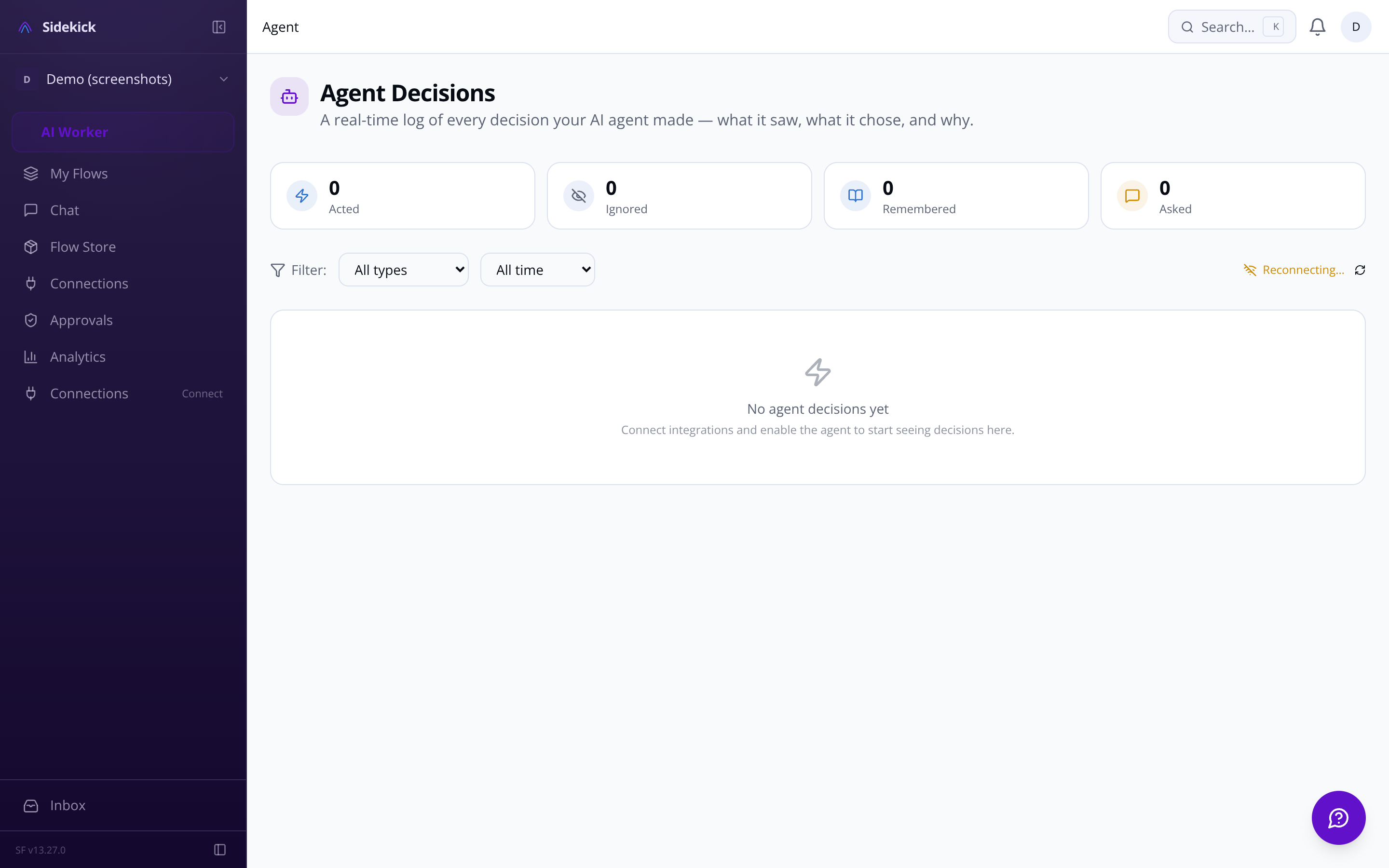
Sidekick agent settings — autonomy and security controls
CREDENTIAL-VAULTAES-256-GCM encryption confirmednow
KEY-ROTATIONZero-downtime re-encryption completed2m ago
KILL-SWITCHEmergency halt available — all sessionslive
APPROVAL-QUEUEPending actions held for reviewlive
DECISION-LOGReasoning chain persisted for auditnow
RATE-LIMITERPer-integration caps enforcedlive
MEMORY-TIERWorking, episodic, and semantic tiers encryptednow
CREDENTIAL-VAULTAES-256-GCM encryption confirmednow
KEY-ROTATIONZero-downtime re-encryption completed2m ago
KILL-SWITCHEmergency halt available — all sessionslive
APPROVAL-QUEUEPending actions held for reviewlive
DECISION-LOGReasoning chain persisted for auditnow
RATE-LIMITERPer-integration caps enforcedlive
MEMORY-TIERWorking, episodic, and semantic tiers encryptednow
CREDENTIAL-VAULTAES-256-GCM encryption confirmednow
KEY-ROTATIONZero-downtime re-encryption completed2m ago
KILL-SWITCHEmergency halt available — all sessionslive
APPROVAL-QUEUEPending actions held for reviewlive
DECISION-LOGReasoning chain persisted for auditnow
RATE-LIMITERPer-integration caps enforcedlive
MEMORY-TIERWorking, episodic, and semantic tiers encryptednow
CREDENTIAL-VAULTAES-256-GCM encryption confirmednow
KEY-ROTATIONZero-downtime re-encryption completed2m ago
KILL-SWITCHEmergency halt available — all sessionslive
APPROVAL-QUEUEPending actions held for reviewlive
DECISION-LOGReasoning chain persisted for auditnow
RATE-LIMITERPer-integration caps enforcedlive
MEMORY-TIERWorking, episodic, and semantic tiers encryptednow

Security questions? We'll answer them directly.

We'd rather over-explain our security posture than have you guess. Reach out at sf-core-org-support-sidekick@saas-factory.ai or join the waitlist and ask us there.

Email the security team

[AGENT CONTROLS / AUDITABLE]

You control what the agent can do — and can't

Autonomous doesn't mean unaccountable. Three safety layers keep you in control regardless of how you configure the agent.

Emergency kill switch

One button halts the agent immediately — cancels pending actions, disconnects all integrations, stops the loop. Always accessible, even on mobile.

Destructive action gate

Deleting data, emailing a new contact, revoking access — these always require your explicit confirmation, even in fully-autonomous mode. No exceptions.
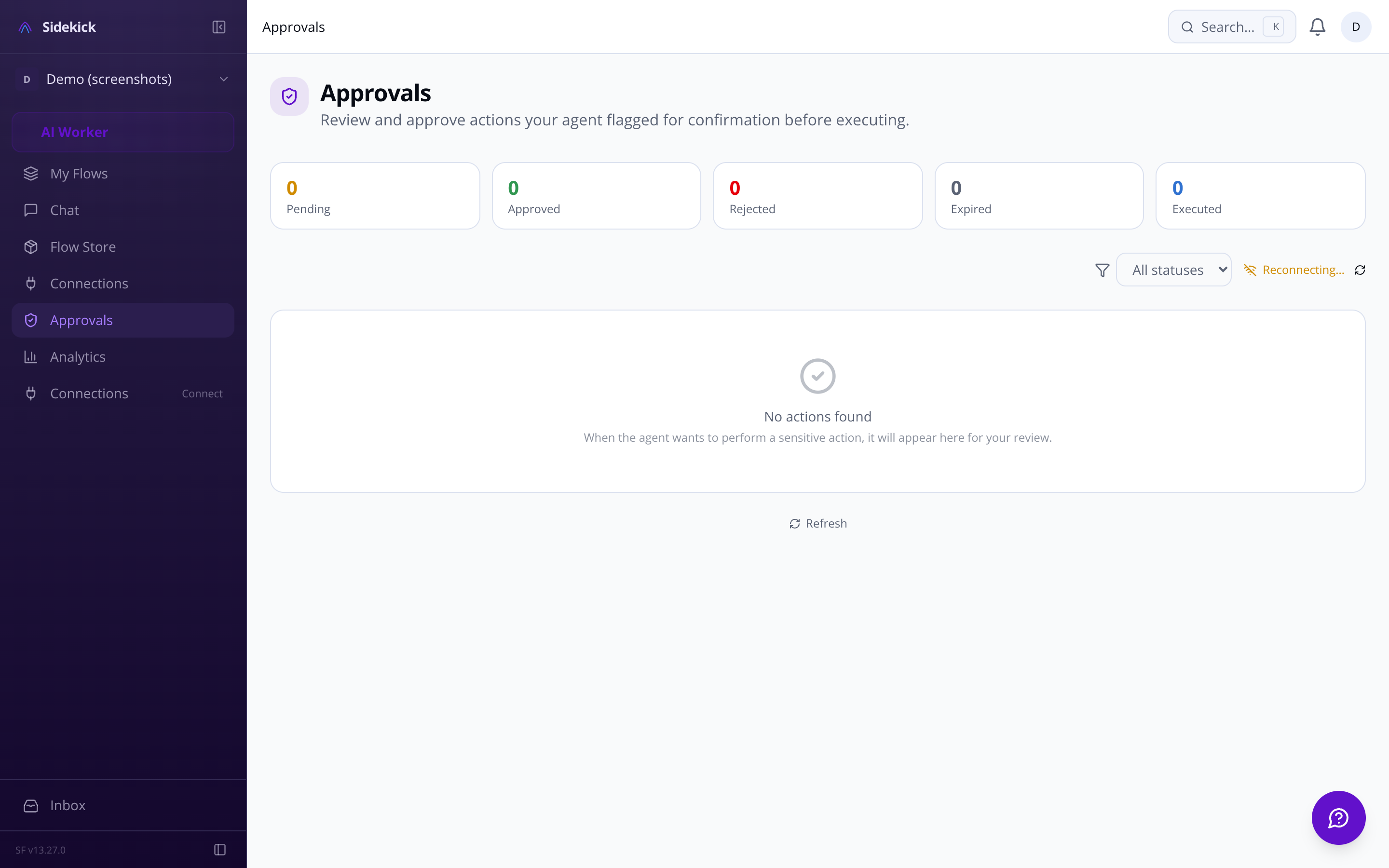
Sidekick approvals queue — pending agent actions awaiting confirmation

[APPROVALS / ASK-FIRST MODE]

Every pending action is reviewable before it runs

When the agent is in ask-first mode, it queues each proposed action for your review. You see exactly what it wants to do and why before a single message is sent or issue created. Approve, reject, or edit — inline, in one click.

[DECISION LOG / FULL TRANSPARENCY]

The agent's reasoning is never a black box

Every decision the agent makes is logged: what triggered it, what it chose to do, and why. The activity feed gives you a real-time audit trail you can filter by integration, action type, or date.
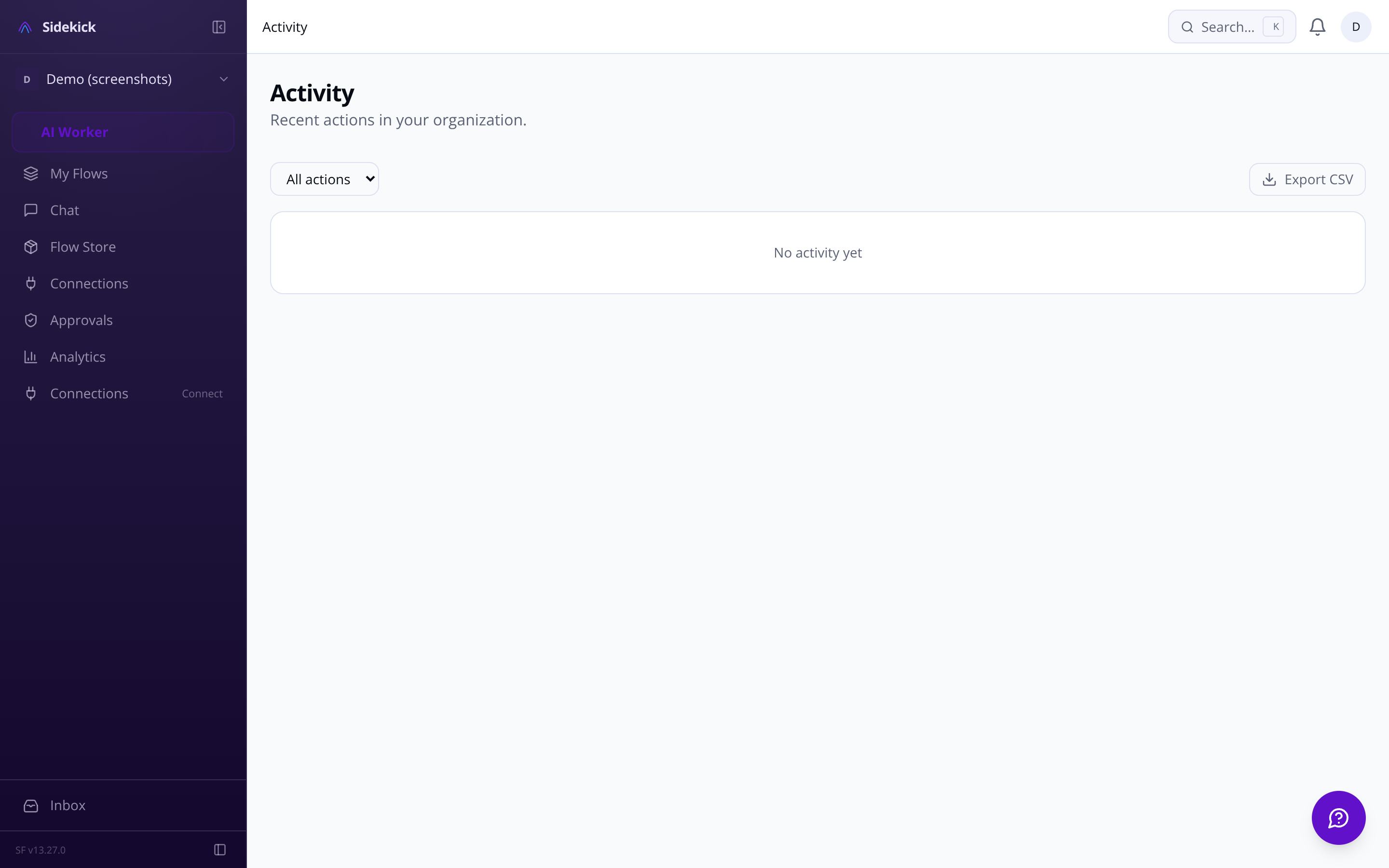
Sidekick activity feed — real-time agent decision log

[MEMORY / THREE-TIER ARCHITECTURE]

Memory built for security, not just recall

Sidekick's three-tier memory system — working, episodic, and semantic — is designed with data minimisation in mind. Each tier stores only what's necessary for its purpose, with configurable retention periods and GDPR-compliant deletion.

Working memory

Recent events held in Redis — short-lived, in-session context. Cleared automatically. Never persisted beyond its purpose.

Episodic memory

Daily summaries stored in Postgres. Configurable retention periods auto-purge old decisions. You can delete your episodic history at any time.

[GDPR / DATA RIGHTS]

Export everything. Delete everything. Your choice.

GDPR data rights are built into the product, not bolted on. Export all your data in machine-readable format, or request complete account deletion — agent decisions, memory, credentials, everything. Data retention policies auto-purge agent history after configurable periods, so you don't have to think about it.

  • Full data export in machine-readable format

  • Complete account deletion — no residual data

  • Configurable retention periods for agent decisions and memory

  • Auto-purge of old data after retention windows close

[RATE LIMITS / SPENDING CAPS]

Runaway agents don't happen here

Configurable rate limits and spending caps per integration mean a misconfigured agent can't spiral into thousands of emails or API calls. Set a daily maximum for each platform, and the agent alerts you when you're approaching the threshold — before it stops.
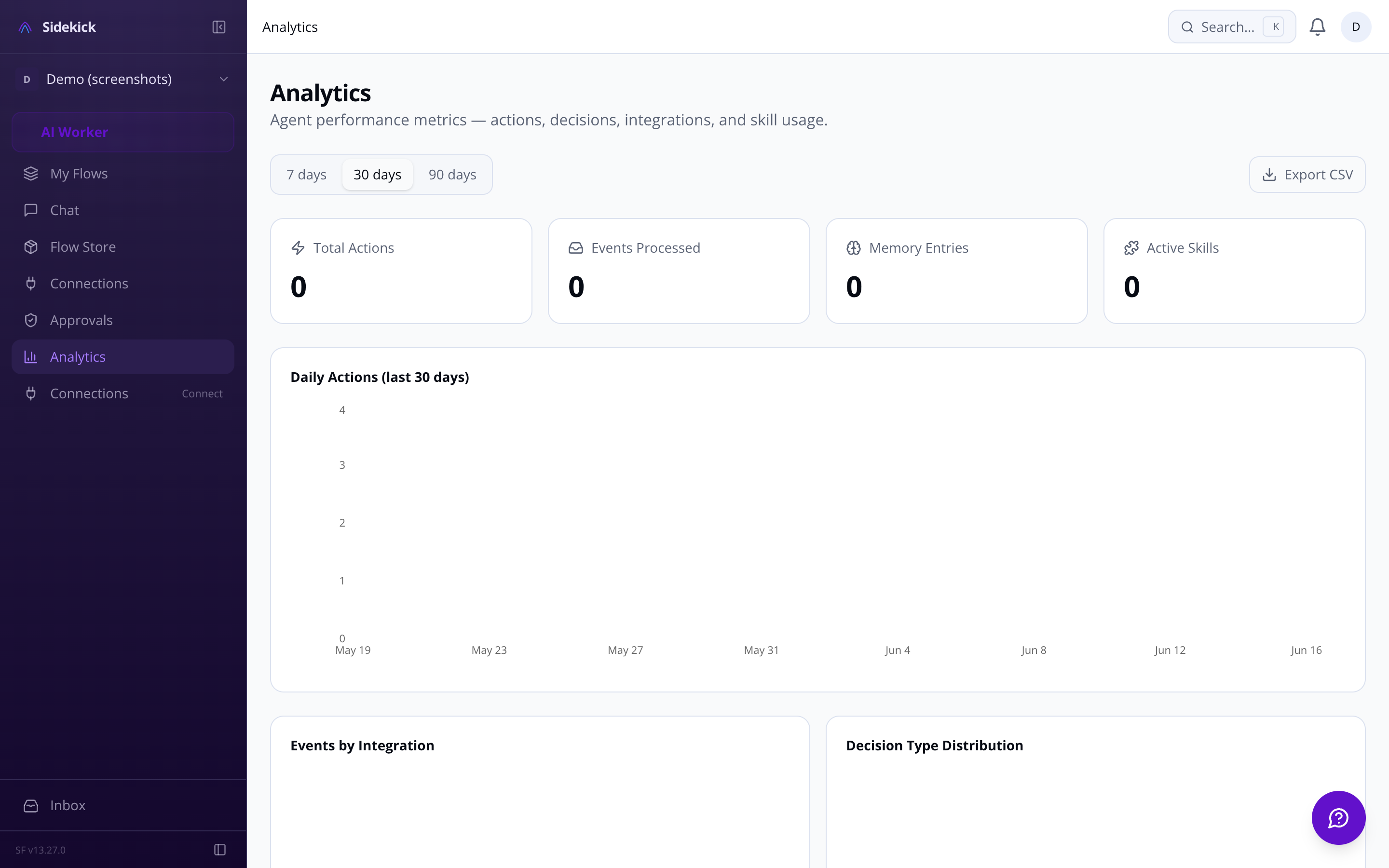
Sidekick analytics dashboard — usage metrics and integration activity

[FAQ / SECURITY]

Questions we get asked

Three autonomy levels

Ask-first, act-then-report, or fully autonomous. Per-integration overrides let you keep sensitive accounts in read-only mode while the agent acts freely elsewhere.

  • Full reasoning chain shown for every proposed action

  • Edit the action before approving — not just yes/no

  • Approval queue accessible from desktop and mobile

  • Rate limits per integration prevent runaway API usage

The activity feed: everything the agent did, in order

The decision transparency log records the trigger event, the full reasoning chain, and the resulting action for every agent cycle. Filter by integration, search by contact or keyword, and export for your own records.

  • Trigger event captured for every agent action

  • Full reasoning chain — not just what, but why

  • Filterable by integration and action type

  • Searchable and resumable across sessions

Semantic memory

Long-term patterns via pgvector. Powers relevant recall without storing raw data. Subject to your GDPR data export and deletion rights.

[INTEGRATION / OAUTH SCOPES]

Minimum-necessary access. Nothing extra.

Each integration adapter requests only the OAuth scopes it actually needs. Gmail for reading and drafting; GitHub for the repos you specify; Calendar for the calendars you choose. You see exact permission scopes in the Connection Manager before authorising — and you can revoke at any time.

  • Scope details shown before OAuth authorisation

  • Per-integration read-only mode available

  • Revoke any connection instantly from the dashboard

  • Connection health and last-sync time visible at all times

Usage you can see. Limits you control.

The analytics dashboard shows actions taken per day, response times, most active integrations, and skill usage. Real-time usage vs. plan limit is visible in the dashboard header on every page — not buried in a settings menu.

  • Max messages/day per chat platform

  • Max emails/hour cap for Gmail and Outlook

  • Spending caps for paid API integrations

  • Alert on approach — not just on breach

You control exactly how much the agent does on its own. Three modes: ask-first (it proposes every action and waits for your tap to approve), act-then-report (it acts and tells you what it did), or fully-autonomous (silent execution). You can set different modes per integration — so the agent can read your GitHub repos freely but always ask before touching Gmail. On top of that, certain actions — deleting data, sending to a new contact, financial transactions, revoking access — require your confirmation regardless of which mode you're in. There's also an emergency kill switch that halts all activity instantly.
Built-in adapters ship for Gmail, Google Calendar, Outlook and Microsoft 365 (email, calendar, OneDrive), Slack, GitHub, Linear, Notion, Telegram, Discord, and WhatsApp Business. Beyond those, Sidekick connects to the ClawHub skill ecosystem — a marketplace with 13,729+ community-built skills you can search, install, and configure directly from the dashboard. If you're coming from OpenClaw, there's a dedicated migration guide to import your existing skills and reconnect your accounts.
Sidekick uses a three-tier memory architecture. Working memory holds recent context so mid-conversation corrections ('actually make it Manchester') work naturally. Episodic memory stores daily summaries so the agent recalls what you worked on last week. Semantic memory uses vector search to surface long-term patterns — your communication preferences, recurring priorities, how you like to handle certain types of requests. Past conversations are searchable and resumable, and you can configure how long data is retained before it's automatically purged.
Every decision the agent makes is logged in a real-time activity feed: what it did, what triggered it, and the full reasoning chain behind it. When it's about to act, it renders an interactive card in chat showing exactly what will happen before it happens — approve, edit, or reject without leaving the conversation. You can also set rate limits per integration (for example, a cap on how many emails it can send per hour) and configure quiet hours so it queues actions rather than firing them while you're asleep.
Free gives you three connected integrations and 50 agent actions per day, with access to community skills from ClawHub. Pro removes the integration cap, raises the action limit to 1,000 per day, and adds the ability to build and publish your own custom skills plus priority support. Enterprise is uncapped, adds SSO, a dedicated support contact, and an SLA — and includes usage-based billing for high-volume months so you're not paying for headroom you don't use. If you downgrade, features phase out gradually rather than disappearing the moment you switch.
Yes. The custom skill builder walks you through writing natural-language instructions for what the agent should do, specifying which integrations the skill needs, and testing it in a sandbox before you turn it on. Sensitive values the skill needs — API keys, tokens — are stored encrypted at rest with AES-256-GCM and managed in a dedicated variable manager that shows exactly which skill needs which key. When a skill is ready to share, you export it as a SKILL.md file and publish it to ClawHub, where other Sidekick users can find it through semantic search.